
Your bio link is the most-visited page most creators never actually look at. Someone taps your profile, lands there, and in about five seconds decides whether to go somewhere or just back out. And most of the time that page got built once, pasted everywhere, and then left alone for a year.
The platform under it matters less than you’d think. Linktree, a native profile field, a page on your own site, they all run on the same short list of habits. A free tool you keep up will outperform a paid one you don’t touch. And when the habits are missing, the platform doesn’t cover for you. So this is about the habits, not the tool.
Curate first. Cut before you add.
Start with the count. Every credible guide on this lands in the same range: five to eight links is about the ceiling, and three to seven tends to convert best. Once you get past eight, click-through starts to slide. A long stack of equal-weight buttons stops reading like a set of options and starts reading like a chore, so people scroll it, feel the work of choosing, and leave.
If you’re sitting at twelve, the links usually aren’t the problem. It’s that nothing ever comes off. Adding to the page feels like progress, so that part happens on its own. Taking things off is the step most creators skip, and it’s the one that keeps a page working.
Then look at the buttons themselves. This one’s free and hardly anyone bothers. A button that says “YouTube” tells someone where they’ll land. A button that says “Watch this week’s build” tells them why they’d want to. Naming the platform is the easy default. Go down your page and, for each button, check whether you named a place or gave someone a reason to tap it.
Run it like a marquee, not an archive.
A store doesn’t put everything it has ever carried in the front window. It puts the one thing it wants you to come in for this week. A bio link works about the same way. Pages get bloated not from adding too much in one sitting, but from the fact that whatever goes up tends to stay up. A launch or a seasonal promo earns a spot, and months later it’s still sitting there next to five others just like it.
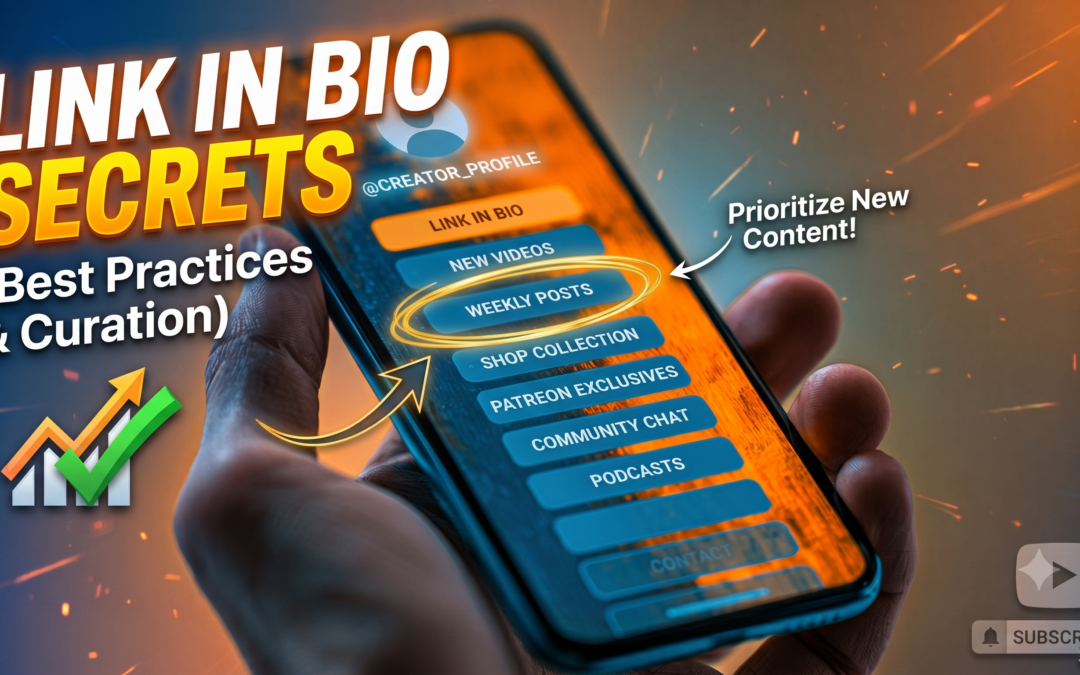
So make the removal part of the routine. Put one current thing at the top where it’s obvious. Rotate the rest as your content calendar moves. When a campaign wraps, hide or archive that link instead of deleting it. Most platforms keep the history either way, so pruning doesn’t cost you anything you’d actually want back later. Then set a real schedule for it, monthly if you sell, every quarter at the minimum. If you only clean the page up when it starts to feel cluttered, the clutter has already been costing you clicks for a while by then.
Some links are supposed to stay put.
Rotation is the right call for what’s current. It’s the wrong instinct for the handful of links you want people to find any time they come looking: your shop, your community, your email signup, an affiliate or gear page that actually earns. Those are part of why the page exists in the first place, and they shouldn’t be sitting on the chopping block next to a stream you ran three weeks ago.
The way to keep both is structure, not a longer list. Give the permanent links a fixed home so they’re always reachable, and leave the top of the page for whatever’s current. When you outgrow the five-to-eight ceiling, group the evergreen ones behind labeled sections like Shop, Watch, or Gear I Use, so the surface stays short and the depth sits one tap down. A lean page and a findable shop link aren’t in conflict once the evergreen stuff has a home of its own.
Affiliate links need a plan of their own.
Affiliate and gear links are the ones most worth handling on purpose, because they’re doing double duty. They earn money, and they’re the links people go hunting for weeks or months after you first posted them. Somebody watches a build, wants the printer you used, and comes back to your bio to find it. If that link is buried under this week’s promo or pointing at a dead product page, you’ve lost a sale you had already earned.
Start by keeping them off your primary links. A main bio page stacked with six affiliate buttons reads as monetize-first, and it clutters the exact page you want people moving through fast. Give the affiliate and gear links a home of their own, and let one button up top point to it.
There are a few ways to build that home. The simplest, if you’re staying on Linktree, is a second Linktree. Linktree lets you run more than one page under a single login and switch between them, so your main page stays lean while a dedicated “Gear I Use” page holds the affiliate links, with your primary button pointing there. If you own a website, a /gear or /setup page on your own domain is the stronger version of the same move, because you control the layout and none of it can get acquired out from under you.
However you host it, route affiliate links through something you can edit later. A redirect you own, something like yoursite.com/go/printer pointing at the affiliate URL, means that when a product goes out of stock or the retailer changes the link, you fix it in one place and every post you ever dropped that link into still works. Amazon’s own short links and a link-management plugin both do the same job. Skip that layer and a single dead affiliate link stays dead across every video and caption that ever used it.
Then keep the page honest and current. Audit it on the same schedule as the rest of your links, pull anything discontinued, and disclose the relationship plainly. The FTC treats affiliate commissions as a material connection you’re required to disclose where people actually see it, right by the links, not tucked into a footer or a separate page. A plain line at the top of the gear page, something like “these are affiliate links and I earn a small commission,” handles it. Most readers already assume it, so saying it out loud costs you nothing and reads as being straight with them.
Know the platform you’re on, and use what it gives you.
None of that depends on which platform you use, but a few platform details are worth keeping in mind. Instagram lets you add up to five links right in your profile now, so if your destinations are few and steady, you might not need a separate page at all. On TikTok, a Business account can post a clickable bio link at any follower count, which is the dependable way around the threshold personal accounts still run into. And wherever the links live, tag them with UTM parameters: utm_source, utm_medium, utm_campaign. When someone shares your link in a DM or a Discord thread, the native analytics tend to lose track of it. A UTM rides along with the link, so your own analytics can still show you which ones are doing the work.
The services worth knowing, grouped by what they do.
You don’t need a tour of every option, but it helps to know what’s out there and what each one is really for. They sort into three jobs.
Routers, for sending people elsewhere. Linktree is the default and the largest. It’s free to start, with paid tiers that add analytics and scheduling, and it’s a solid pick for most creators whose money happens at the destination rather than on the page. Worth knowing: its old design-focused rivals have mostly folded into it. Koji, Bento, and Tap Bio all shut down over the last two years, so some older “best Linktree alternative” lists point at pages that don’t exist anymore.
Storefronts, for selling inside the link. These carry a real checkout, so someone can buy without leaving the page. Stan Store charges a flat monthly fee and takes no cut of each sale, which works out well once your sales clear the subscription. Beacons has a free plan that takes a percentage of every sale, plus paid tiers that remove the fee. Taplink is a lower-cost option in the same family. Reach for one of these only if you’re genuinely selling through the bio link. If you’re pointing people at an Etsy or a Shopify you already run, a router does the job with less overhead.
Build-your-own, for a page you control. Carrd builds a clean one-page site for a few dollars a year, with a custom domain on the paid tier. On WordPress, plugins like SeedProd and Spotlight add a link-in-bio page to a site you already have. And if you want to self-host outright, LinkStack and LittleLink are both free and open-source, one full-featured with an admin panel, the other deliberately stripped down. All of these keep the page on infrastructure you own.
The main options line up on price like this, as of August 2026:
| Service | What it’s for | Free plan | Paid plans (approx.) | Sale fee |
|---|---|---|---|---|
| Linktree | Router | Yes | Starter $8, Pro $15, Premium $35/mo (cheaper billed annually) | 12% free, 9% mid tiers, 0% on Premium (digital sales) |
| Stan Store | Storefront | No (14-day trial) | Creator $29, Creator Pro $99/mo | 0% platform (Stripe/PayPal fees still apply) |
| Beacons | Storefront | Yes (9% sale fee) | roughly $10, $30, $90/mo (tier names vary by source) | 9% on free and entry tier, 0% from the ~$30 tier up |
| Taplink | Storefront / builder | Yes | from about $3/mo billed annually | your payment processor’s fees |
| Carrd | Build-your-own page | Yes (3 sites) | Pro Lite $9, Standard $19, Plus $49 per year | none (not a checkout) |
| LinkStack | Self-hosted, open source | Free | free, you host it | none |
| LittleLink | Self-hosted, open source | Free | free, static hosting | none |
| WordPress + SeedProd / Spotlight | Page on your own site | Plugin free tiers | premium varies | none (uses your own store) |
Prices and tiers move around more than you’d expect, so treat these as a current snapshot and confirm the figure on the provider’s own page before you commit. The open-source options don’t charge you anything at all; the only cost there is hosting and the time to stand it up.
The page you own counts too.
One path most guides leave out: if you already run a website, host the page yourself. A /links page on your own domain does everything a Linktree page does, reports into analytics you already have, and can’t be shut down or bought out from under you the way a few link-in-bio platforms have been in the past couple years. If you’re not on WordPress, Carrd will build a clean custom page for a few dollars a year, and open-source options like LinkStack let you self-host for free.
It’s not a requirement. A well-kept Linktree page will beat a neglected one you host yourself, and what’s on the page counts for more than where it lives. But if you’re already paying for a site, these same habits work just as well on ground you own.
The five-second test
Open your bio link right now, on your phone, not your laptop. Give it about five seconds. If you can’t tell where you’re supposed to tap first, start with the order of the links before you touch colors or profile photos or which platform you’re on. The hierarchy is the thing that’s broken.
After that, go find one link that’s already expired and take it off today. That’s the habit in miniature: keep what’s current up top, clear out what’s done, and look at the page on some kind of schedule instead of once a year.
So what’s leading your page right now? Drop it in the channel, I’m curious what everyone’s sending people to.